- Posted On: 2025-04-12
- Posted By: Anjali
- Total Views: 5487
- Service: Search Engine Optimization
How Google Business Profile Brings More Customers to Your Saree Shop
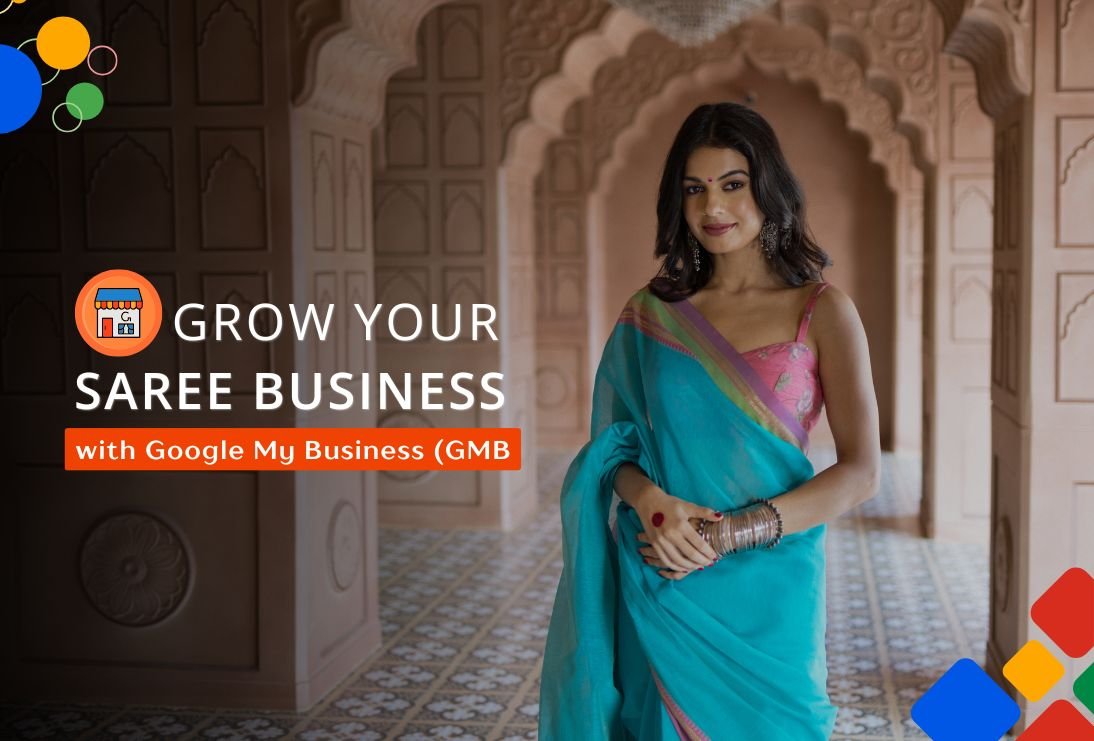

How to Grow Your Saree Business with Google Business Profile (GBP)
In today’s competitive market, digital presence is no longer optional - it’s essential for success. For businesses like saree boutiques, which rely heavily on local foot traffic and regional customer loyalty, Google Business Profile (GBP) is an invaluable tool for expanding visibility and driving sales. If you're a saree business owner looking to attract more customers and grow your brand, leveraging GBP is a must.
In this blog, DotCreative will walk you through how to effectively use Google Business Profile to grow your saree business. From setting up your profile to optimizing it, we’ll explore how GBP can boost your online visibility and increase foot traffic to your store.
What is Google Business Profile (GBP)?
Google Business Profile (GBP) is a free tool offered by Google that allows businesses to create an online profile that appears in Google Search and Google Maps to improve local ranking on Google. When potential customers search for your business, your GBP profile can provide important information such as:
- Business name and location
- Contact details
- Hours of operation
- Customer reviews
- Website link
- Photos of your products or services
For local businesses, GBP is a game-changer. It allows businesses to stand out in local search results and makes it easier for customers to find you.
Why Should a Saree Business Use Google Business Profile?
As a saree business, your success depends on your ability to connect with your local customer base while also creating a strong digital presence. GBP offers a range of benefits that can help you accomplish these goals:
1. Increased Visibility in Local Search Results
According to a 2020 study by BrightLocal, 46% of all Google searches are seeking local information. This means that when potential customers search for “saree shops near me” or “buy sarees online in [your location],” they’re more likely to come across your business if you’ve optimized your GBP profile.
2. Boost Local Foot Traffic
Local searches lead to action. Google has reported that 76% of people who search for something nearby on their smartphone visit a business within a day. A complete GBP profile with your address, phone number, business hours, and photos can encourage potential customers to visit your store in person.
3. Better Customer Interaction
With GBP, customers can call you, get directions or visit your website directly from the search results. Google removed Business Profile chat in 2024, so add a WhatsApp link to your profile as well. It provides a seamless way for them to contact you without having to search through your website. You can also use GBP to answer customer questions, making it easier to resolve concerns and build trust.
4. Enhanced Trust with Reviews
Reviews play a crucial role in local SEO and customer trust. 84% of people trust online reviews as much as personal recommendations, according to BrightLocal. Google reviews help potential customers make decisions and build confidence in your saree business. Positive reviews also improve your rankings on Google Search.
How to Set Up Google Business Profile for Your Saree Business
Setting up your Google Business Profile profile is simple. Here's a step-by-step guide to get you started:
Step 1: Claim or Create Your Business Listing
To set up your GBP profile, go to business.google.com (or search for your shop's name on Google while signed in) and sign in with your Google account. If you already have a business listing, claim it. If not, you’ll need to create one by entering your business details.
Make sure your business name matches the one used on your website and social media channels to ensure consistency across all platforms.
Step 2: Enter Your Business Information
Fill in the essential information, such as:
- Business Name: Use the exact name of your saree boutique.
- Address: Provide the physical address of your store.
- Phone Number: Include a phone number for customers to reach you.
- Website URL: If you have an online store, include the URL. If not, consider setting up a basic website or using platforms like Instagram or Facebook as your digital presence.
Step 3: Add Categories and Services
For saree businesses, selecting the right category is crucial for getting discovered. Choose categories like:
- Saree Store
- Indian Clothing Store
- Bridal Wear Shop
Additionally, list specific services you offer, such as custom tailoring, bridal sarees, or home delivery.
Step 4: Set Your Hours of Operation
Update your business hours to let customers know when they can visit your store. This information helps manage expectations and ensures you don't lose potential customers who arrive when your shop is closed.
Step 5: Verify Your Business
Google requires businesses to verify their location before your profile goes live. You can verify your business by recording a short video, or by phone, SMS, email or postcard, depending on the options Google shows for your listing.
How to Optimize Your Google Business Profile Profile for Maximum Impact
Once your Google Business Profile profile is set up, it’s time to optimize it to ensure you stand out in local search results.
1. Complete Your Profile
Google favors complete profiles. Ensure that your business name, address, phone number, website, and business hours are all accurate and up-to-date. Include your business description to let potential customers know about your saree offerings. Make your description engaging and keyword-rich, focusing on what makes your business unique.
For example:
"At [Business Name], we offer an exquisite collection of handwoven sarees, from traditional silk sarees to modern fusion designs. Whether you’re shopping for a wedding, festival, or casual wear, our curated collection brings together the finest fabrics and craftsmanship."
2. Use High-Quality Photos
Photos are a powerful tool for attracting customers. Include high-quality images of your sarees, both in-store and close-ups of the designs. Google reports that businesses with photos receive 42% more requests for directions and 35% more click-throughs to their websites.
Consider adding images of:
- Various saree collections
- Your boutique's interior and exterior
- Staff interacting with customers
- Special events or festivals at your store
3. Encourage Reviews
Positive reviews can significantly impact your reputation. Encourage happy customers to leave reviews by asking for feedback after purchases. The more reviews you have, the higher your chances of ranking in Google’s local pack.
Respond to reviews - both positive and negative - to show potential customers that you value their feedback and are committed to providing excellent service.
4. Use Posts to Engage Customers
Google Business Profile allows you to post updates, offers, and events directly to your profile. These posts appear in your business listing and help keep customers informed. You can promote:
- Special sales or discounts
- New saree arrivals
- Upcoming events or festivals
- Store promotions or customer offers
Regular posts will keep your customers engaged and informed, driving traffic to your store.
5. Add Products and Services
If your saree business has a website, link it to your GBP profile. You can also upload a list of products with descriptions, prices, and photos directly to your GBP account. This makes it easy for customers to browse your offerings before visiting your store.
Track and Measure Your Success
Once you’ve optimized your Google Business Profile profile, it’s important to monitor how it’s performing. The Performance report in Google Business Profile provides several useful metrics:
- Search Queries: See how customers are finding your business (e.g., through direct search, discovery, or branded search).
- Customer Actions: Track what actions customers are taking, such as visiting your website, requesting directions, or calling your business.
- Photo Views: See how many times your photos have been viewed and how they compare to those of similar businesses.
This data can help you refine your strategy and determine which aspects of your GBP profile are driving the most traffic.
Include Other Digital Marketing Strategies
While Google Business Profile is a great starting point, a comprehensive digital marketing strategy to grow your saree business can help you reach a broader audience. Here are some key strategies to complement your GBP efforts:
1. Social Media Marketing
Platforms like Instagram and Facebook are perfect for showcasing your sarees. Post high-quality images, videos, and customer testimonials to engage your audience. Use relevant hashtags like #SareeLove and #TraditionalSarees to increase reach.
2. Content Marketing
Start a blog on your website and write posts on topics such as saree styling tips or wedding saree guides. Use SEO-optimized keywords like "buy sarees online" to drive organic traffic and boost search rankings.
3. Pay-Per-Click (PPC) Advertising
Google Ads and social media ads can help target specific demographics. Run ads on Google for keywords like “best saree shop near me” or on Instagram to attract fashion-conscious buyers.
4. Email Marketing
Build an email list and send newsletters with updates on new collections, discounts, and promotions. Personalized emails, such as birthday discounts, can encourage repeat purchases.
5. Influencer Marketing
Collaborate with fashion influencers who align with your brand to increase visibility. Influencers can promote your sarees to their followers, driving traffic to your store.
6. Online Marketplaces
List your sarees on popular platforms like Amazon, Etsy, or Myntra to reach more customers who prefer shopping online.
By integrating these digital strategies with your GBP profile, you can maximize your saree business’s online presence and drive more sales.
What's Changed in Google Business Profile for 2026
- New name, same tool: Google My Business was renamed Google Business Profile, and you now manage it directly from Google Search or the Google Maps app by searching your shop's name while signed in.
- Chat has been removed: Google switched off Business Profile chat in 2024. Add your phone number and a WhatsApp link so customers can still reach you in one tap.
- Video verification is common: many new or edited profiles are verified by recording a short video of your signboard, shop interior and address, so keep those ready.
- Performance reports replaced Insights: check the Performance section to see searches, calls, website clicks and direction requests for your saree shop each month.
Frequently Asked Questions
What is Google Business Profile?
Google Business Profile, earlier called Google My Business, is a free listing that shows your saree shop on Google Search and Google Maps. It displays your address, phone number, timings, photos, products and reviews, so nearby customers can find you, call you and get directions in one tap.
How do I create a Google Business Profile for my saree shop?
Search for your shop name on Google or open business.google.com, sign in, and add your business name, address, phone number, category such as saree store and opening hours. Then complete verification, which for many new shops is a short video of your signboard and shop.
How can I rank my saree shop higher on Google Maps?
Complete every section of your profile, choose accurate categories, upload real photos regularly, post updates about new arrivals and offers, and collect genuine reviews from happy customers. Keep your name, address and phone number exactly the same on your website and social media pages.
How do I get more Google reviews for my saree shop?
Ask happy customers for a review at the billing counter, share your review link on WhatsApp after a purchase and add a QR code near the counter. Reply politely to every review. Never buy reviews or offer discounts for ratings, because Google can remove them.
Is Google Business Profile free?
Yes, creating and managing a Google Business Profile is completely free. You only pay if you choose to run Google Ads to promote your listing. Even without ads, a well-optimised profile can bring regular calls, direction requests and walk-in customers to your saree shop.
Conclusion
Google Business Profile is one of the most effective and affordable tools for growing your saree business. By optimizing your profile, encouraging reviews, posting updates, and engaging with customers, you can significantly improve your visibility and attract more customers.
At DotCreative, we believe that every business, no matter the size, can leverage GBP to compete in the digital world. Whether you have a physical store or an online presence, optimizing your GBP profile will help you stand out in local search results, build customer trust, and ultimately drive more sales.
If you're ready to take your saree business to the next level, start by claiming and optimizing your Google Business Profile profile today. Your customers are searching for you - make sure they can find you!
